School Management
Bring admissions, records, calendars, behavior, accounting, library, and daily workflows into one organized system.
See how it connects Book a Demo
All-in-one school platform
Bring school management, learning, communication, RFID attendance, and campus safety together—so every school day runs with clarity and confidence.
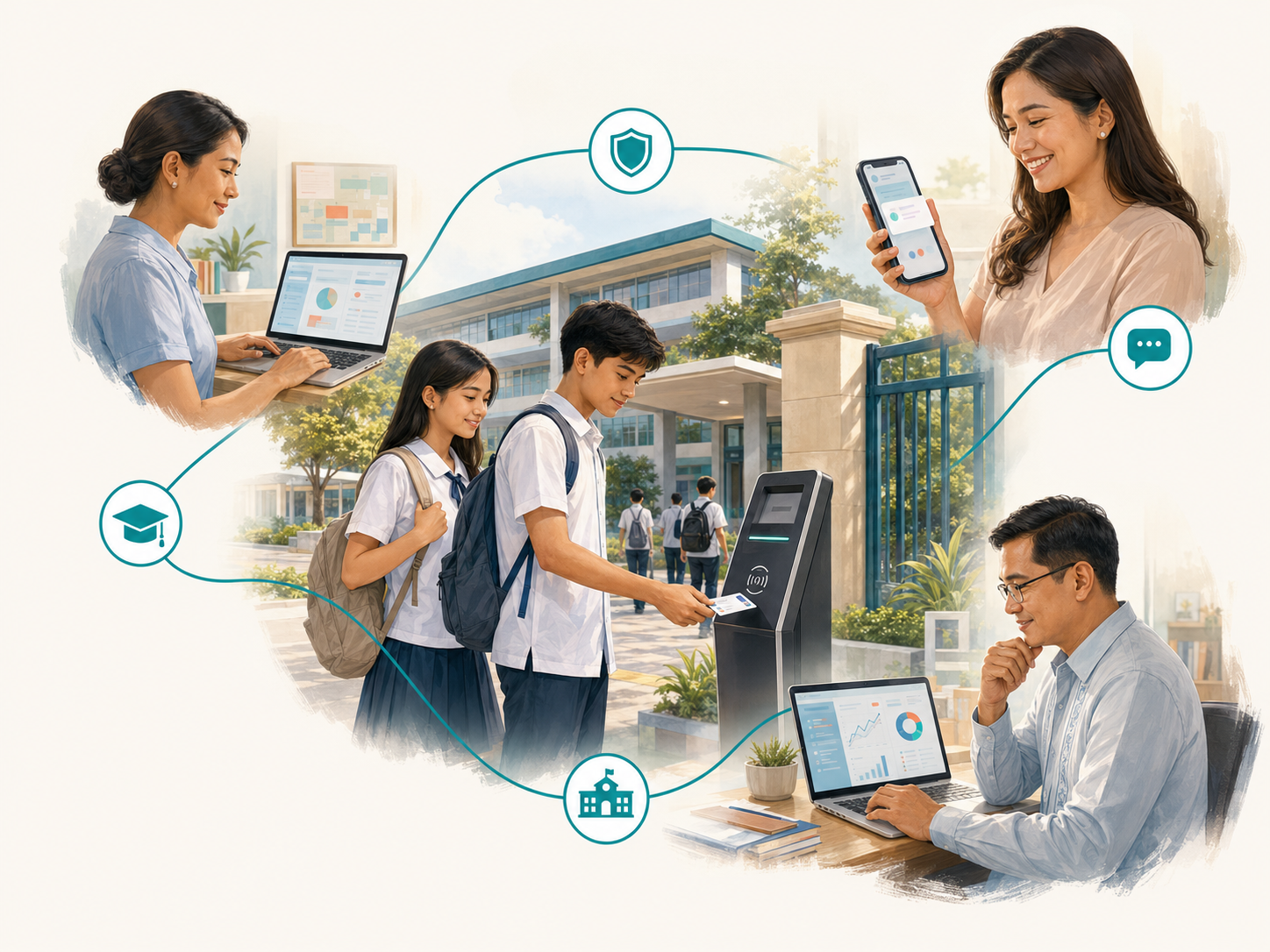
Designed around real school operations in the Philippines
One platform, connected by design
Start with the modules you need today, then grow into a more connected school experience over time.
Bring admissions, records, calendars, behavior, accounting, library, and daily workflows into one organized system.
See how it connectsSupport lessons, activities, assessments, class records, and learning continuity from one accessible platform.
See how it connectsKeep school leaders, teachers, parents, and students informed through timely, role-based announcements and alerts.
See how it connectsCapture reliable time-in and time-out records, notify families, and give authorized users clear attendance visibility.
See how it connectsUnify identification and attendance with school-branded IDs prepared for everyday campus use.
See how it connectsStrengthen gate procedures with clearer visitor records and authorized student pickup workflows.
See how it connectsGive authorized school users, teachers, students, and parents convenient access to the information they need.
See how it connectsTurn daily attendance and school activity into organized reports that support faster, better-informed action.
See how it connectsWhy COMMUNIFY
When attendance, communication, learning, and school records work together, every tap and update becomes useful information—not another isolated task.
A student taps an ID or a school user records an activity.
COMMUNIFY organizes the update and routes it to the right workflow.
Authorized users see what matters and respond with confidence.
Why schools trust COMMUNIFY
COMMUNIFY combines practical education technology, guided implementation, and responsive support—so schools gain a partner that understands both the system and the realities behind it.
Built on years of hands-on work with Philippine schools and their evolving operational needs.
We begin by understanding the school’s priorities, infrastructure, users, and existing processes.
Orientation, training, implementation assistance, and an escalation path support the school after launch.
Schools can begin with priority modules and expand toward a more connected ecosystem over time.
Operational visibility
Bring authorized attendance summaries, notifications, reports, and school activity into one accessible environment—so leaders can spot what needs attention sooner.
RFID attendance updated
Parent notification queued
Section report available
Built for the whole school community
Each user sees the information and tools appropriate to their role.
Access authorized reports, attendance activity, announcements, and operational information in one connected environment.
Manage learning activities, class information, communication, and school workflows from a more organized workspace.
Receive attendance updates and school communication through the channels included in the school’s configuration.
Use one school identity for attendance and gain easier access to learning and school information.
Practical by design
Every school has different priorities, infrastructure, and processes. COMMUNIFY begins with discovery, then shapes the rollout around what will work in your real environment.
Our mission
COMMUNIFY exists to make dependable, practical, and cost-effective school technology accessible—helping every school build stronger safety, communication, and learning continuity without losing the human connection at the heart of education.
Strengthen identification, attendance, gate procedures, visibility, and response.
Turn important school activity into timely, meaningful communication for parents.
Give teachers and learners a connected environment for lessons, activities, and school information.
Offer modular, cloud-connected, and offline-ready options shaped around actual infrastructure.
School safety is not one device or one system. It is the connection between people, identification, attendance, communication, visibility, and timely action.
The WSI Technology story
WSI Technology was established in 2014 with a practical approach: understand how institutions actually work, then build technology that people can depend on. Years of hands-on work with Philippine schools shaped its early education platform, EDUCAITPH, and the lessons that followed.
COMMUNIFY is the next chapter—bringing school operations, learning, communication, attendance, identification, and safety workflows into one adaptable ecosystem. It reflects WSI’s belief that meaningful innovation must be reliable, affordable, and grounded in the realities of the communities it serves.
COMMUNIFY Future Direction
Our direction is guided by school feedback, field experience, and one continuing goal: help school communities become safer, better informed, and more connected.
Future direction reflects long-term intent. Specific capabilities and release plans are shared directly with clients and partners as they are validated.
Frequently asked questions
Yes. COMMUNIFY can be introduced by module, department, grade level, or campus. Your school can begin with the most urgent need and expand into a more connected setup over time.
COMMUNIFY supports flexible deployment planning. Depending on your school’s requirements, attendance can be configured with cloud-based access or an offline-ready/on-premise option designed for local continuity.
Yes. Attendance notifications and visibility can be provided through SMS, the school portal, or supported mobile channels, depending on the selected configuration and notification policy.
No. The platform is designed for public and private K–12 schools, colleges, and multi-campus school networks. The rollout is shaped around each school’s size, priorities, and available infrastructure.
We start with a discovery session to understand your current process, priorities, connectivity, and enrollment. From there, we define the rollout, data preparation, hardware requirements, training, and support plan.
COMMUNIFY uses role-based permissions so school leaders, staff, teachers, parents, and students access only the appropriate areas. Authorized users and data-handling procedures are defined with the school during implementation and aligned with its privacy policies.
In many cases, yes. The discovery process reviews your current records, workflows, connectivity, IDs, kiosks, and other equipment. We then identify what can be retained, what needs configuration, and what should be introduced in phases.
The rollout can include user orientation, administrator training, operating guides, implementation support, and an escalation path for issues that require technical assistance. The support plan is matched to the modules and deployment selected by the school.
Book a guided demo
Tell us a little about your school and preferred schedule. Our team will review your request and contact you to confirm the demonstration.
Contact us
Whether you are exploring COMMUNIFY for the first time, planning a rollout, interested in a partnership, or looking for support, we would be glad to hear from you.
Explore the modules, discuss your school setup, and build a practical rollout plan.
Request a Demo For schools, colleges, and education partners